What Waxcap™ could do for you.
Everything you need to write a novel a little every day, and to send it out when it's done.
Reach your daily target.
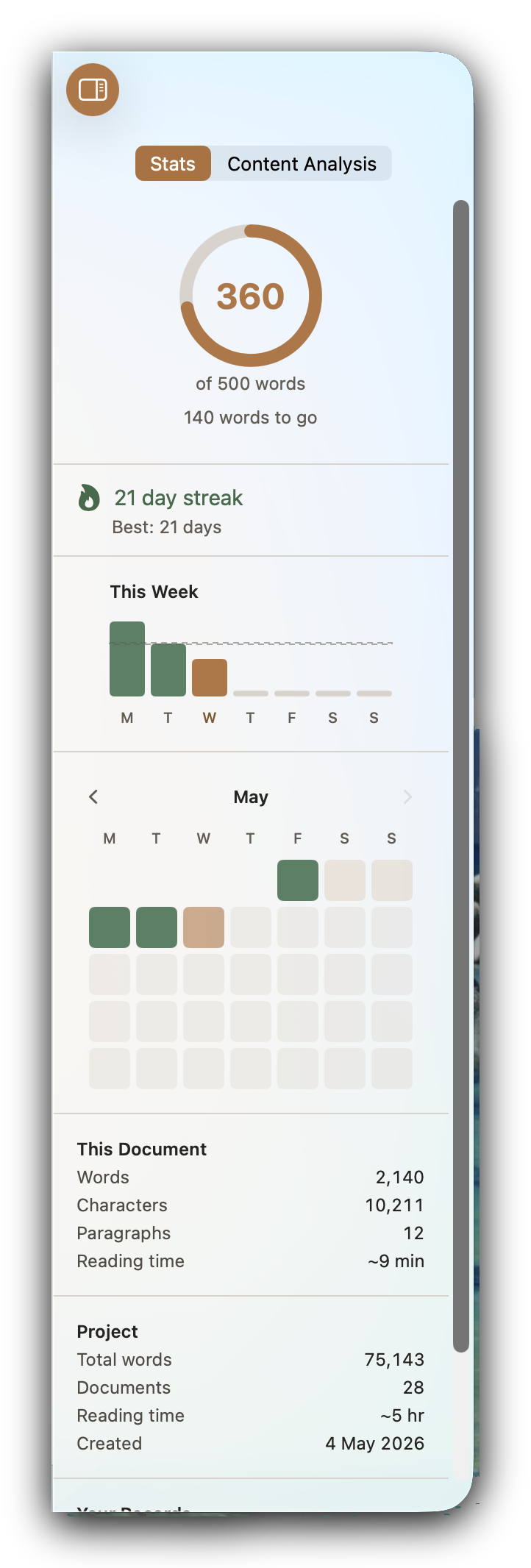
Choose how many words you want to write each day, and Waxcap keeps count as you go. Today's total is always in view, so you know how close you are.
Keep going when life gets in the way
If there are days of the week you know you can't write, mark them as rest days and your streak will wait for you.
See how far you've come
See your streak, your week, your month and your best days so far in the Stats panel. If you'd rather not track your progress, you can hide the numbers.
A simple editor with the tools you need.
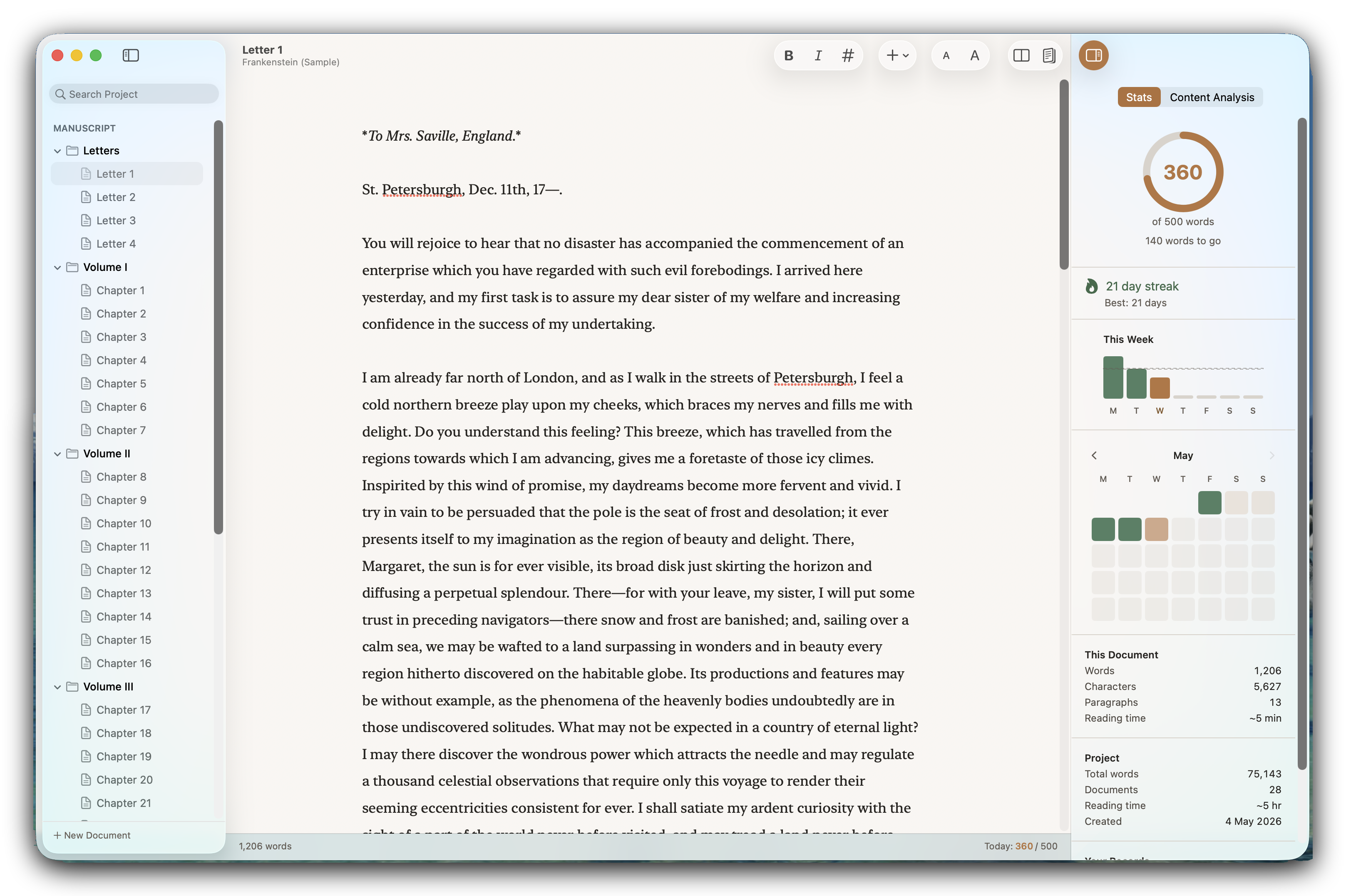
Waxcap uses Markdown, so you can format as you type without reaching for buttons. The formatting fades as you move on, so the page reads like prose. When you want more, it's there:
- Typewriter Scrolling
- Focus Mode
- Distraction-Free Mode
- Multiple typing widths
- Eight themes, both light and dark
- Footnotes
- Notes to yourself in the text
- A keyboard shortcut for every format
Your whole book, kept in order.
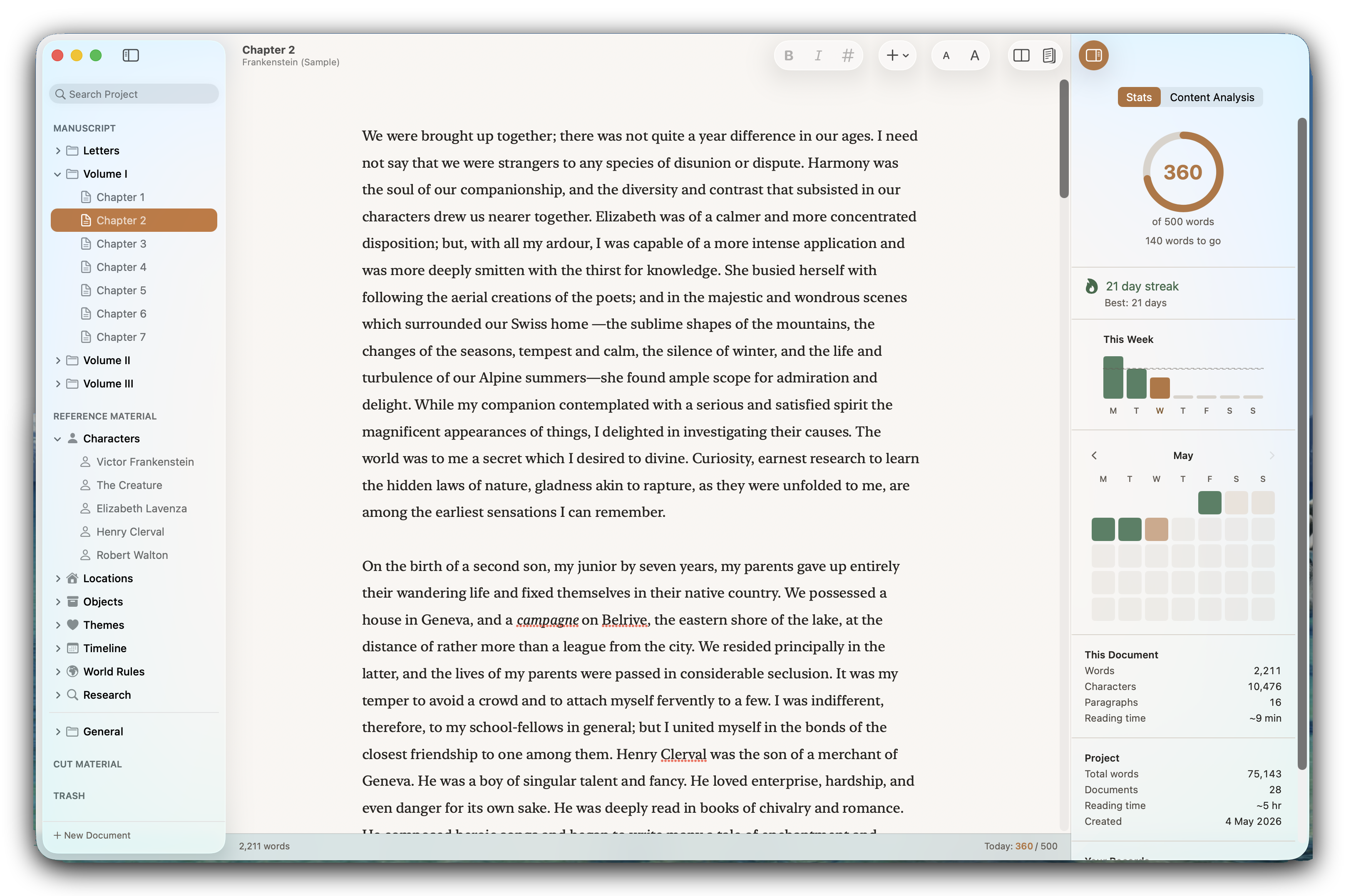
Chapters, character notes, research and the scenes you've cut, all in one project. Start from a blank project, choose a template, or explore the full text of Pride and Prejudice first.
Bring the draft you've already started.
Drag in Word, markdown or plain text files and carry on where you left off.
Ready for an agent when you're done.
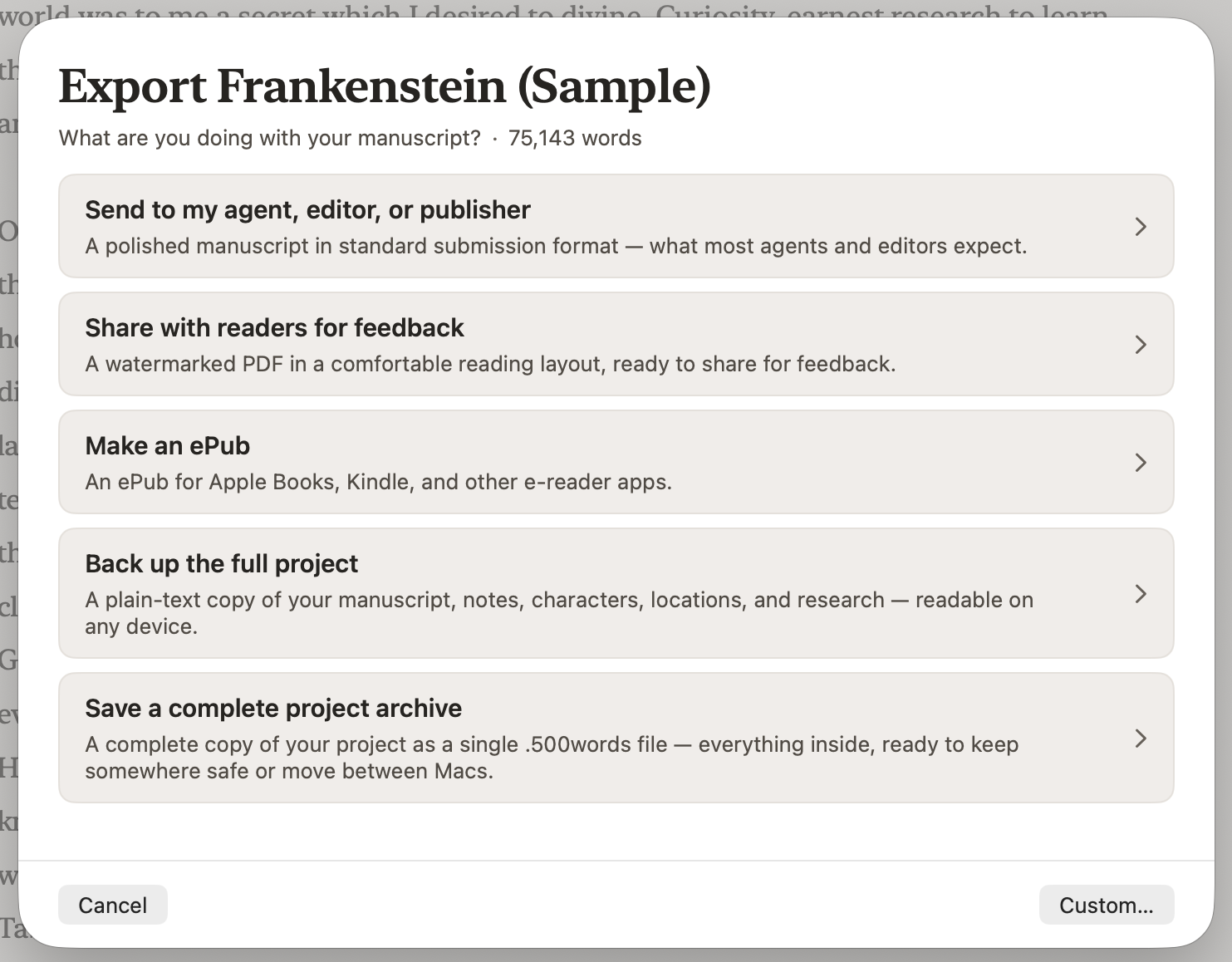
Export a manuscript in the format agents and publishers ask for, as Word or PDF. Or make an ePub with your own cover to share with readers.
Automatic backups of your writing.
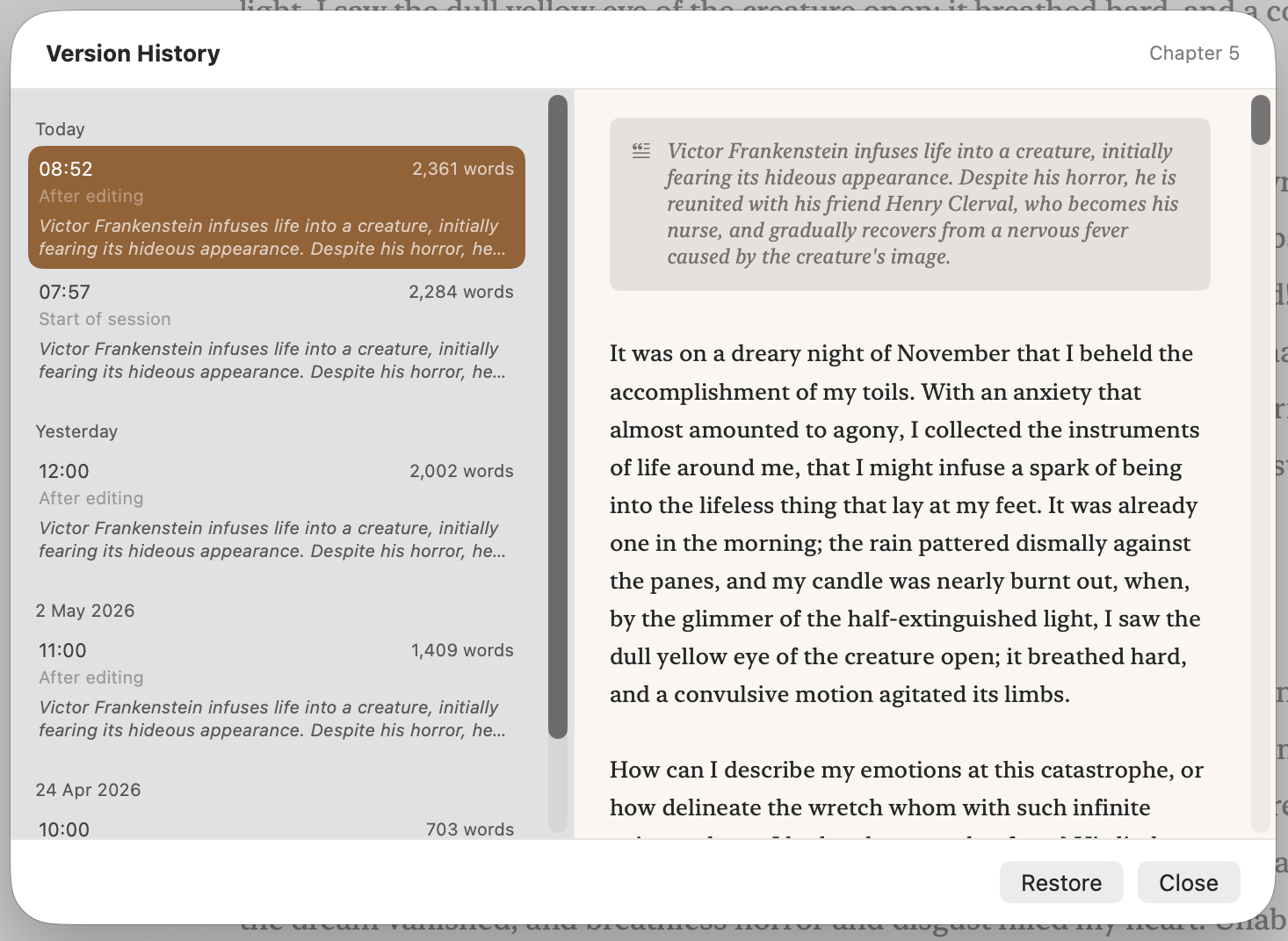
Waxcap keeps earlier versions of every chapter as you write, so you can go back to an earlier draft whenever you need to.
Saved as you type, on every Mac you use.
iCloud keeps your writing up to date on all your Macs, and your chapters are plain text files that can be opened in any text editor.
Remember what happens in every chapter.
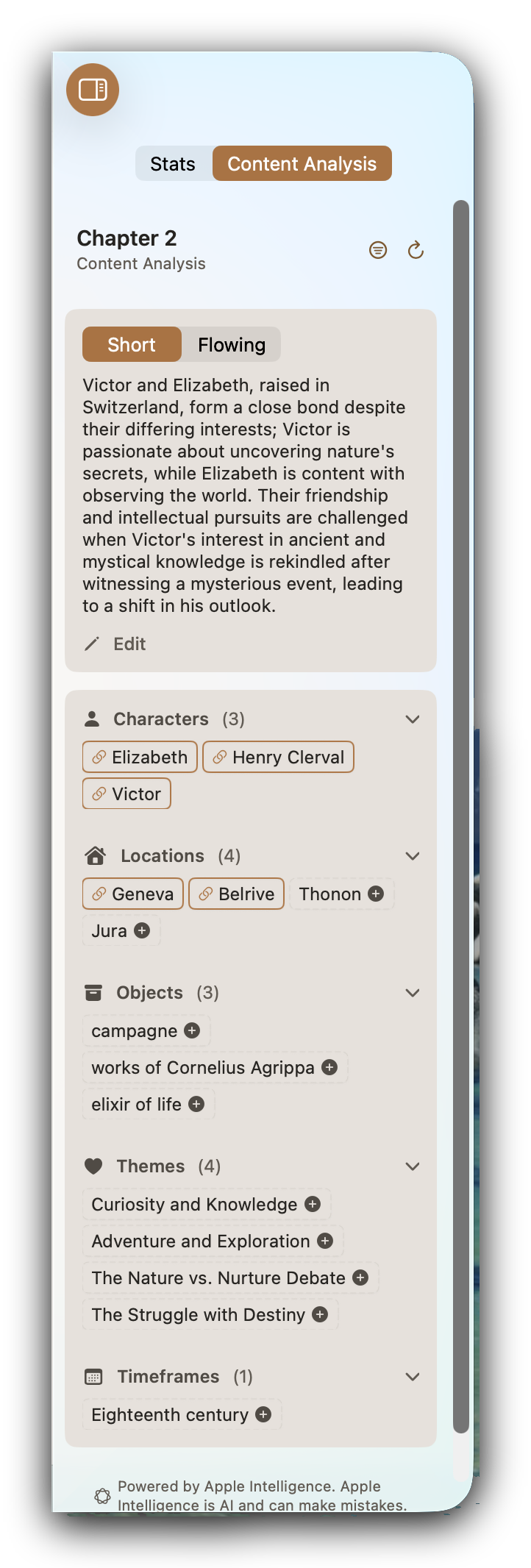
Back after a month away? See what a chapter is about and who's in it. Automatic synopsis runs on your Mac with Apple Intelligence. It doesn’t touch your work, it only summarises.
Your notes beside the page.
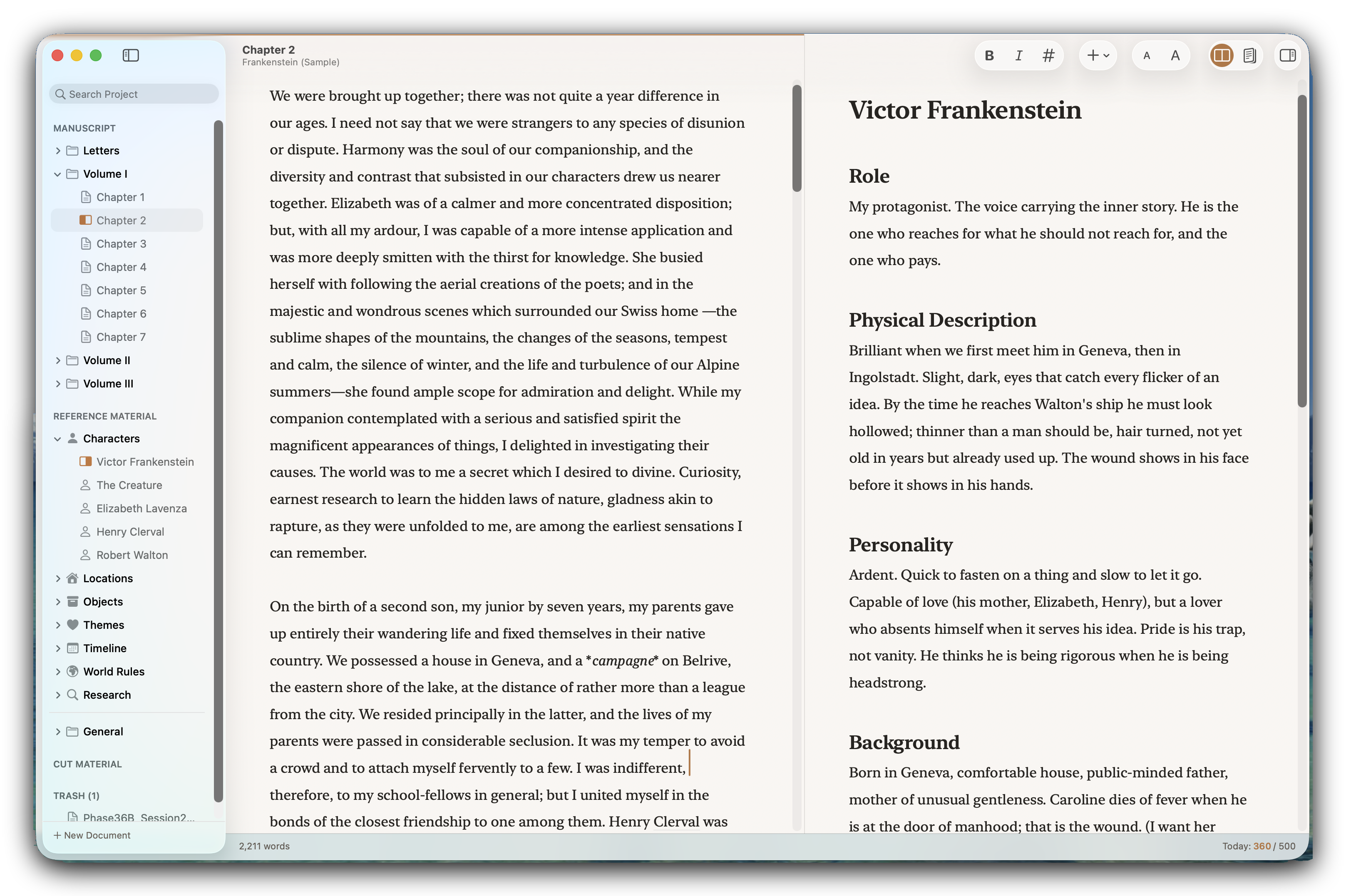
Keep a character note open in the split editor next to the chapter you're writing, and search the whole book when you need to find that one line.
All your books in one place.
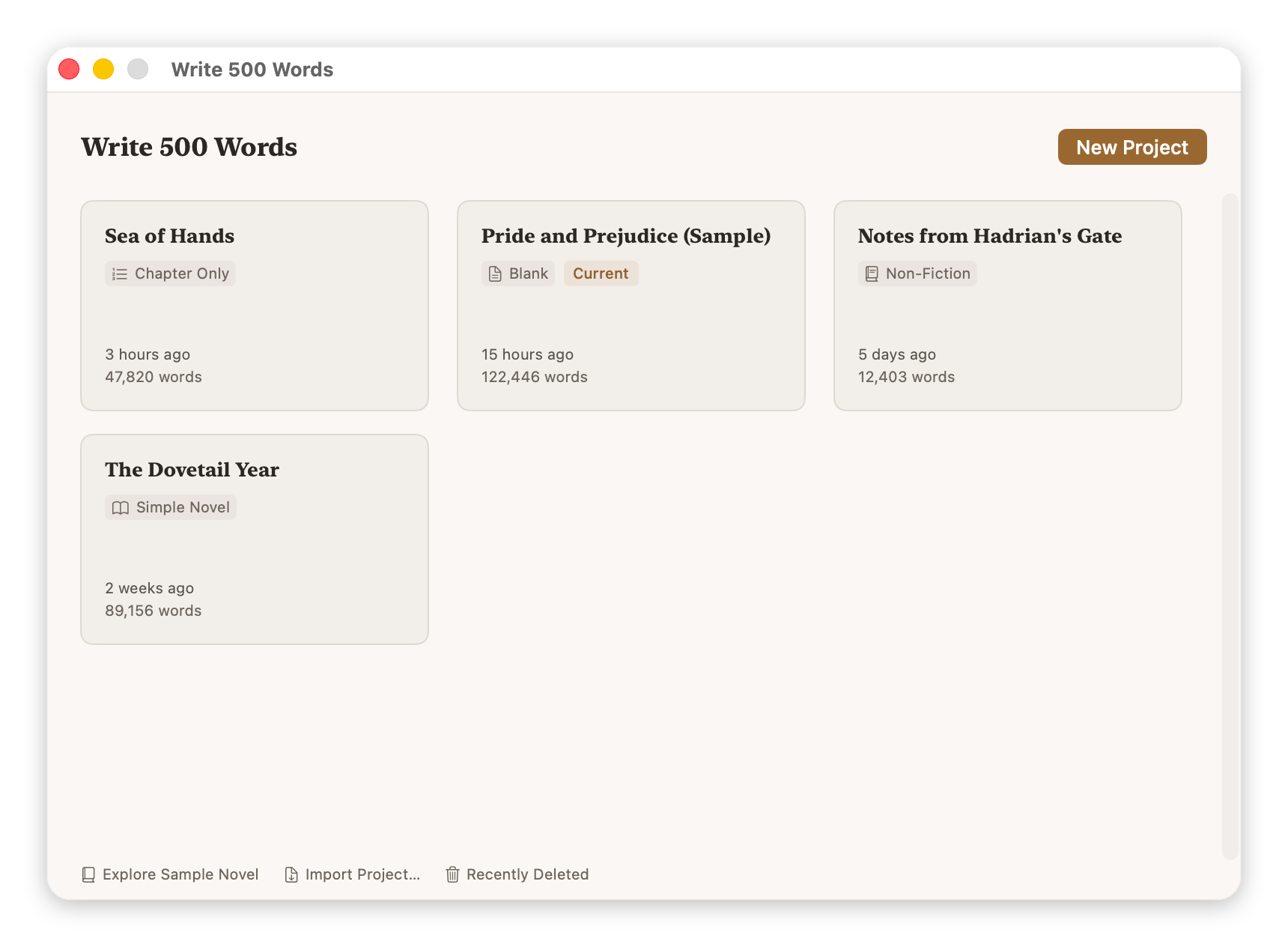
Every project you start is kept in the Project Library, ready for you to pick up where you left off.
What you need to run it.
- A Mac with Apple silicon.
- macOS 26 Tahoe or later.
- Apple Intelligence (optional). Required for Content Analysis. Every other part of the app works identically with it off.
- iCloud Drive (optional). Syncs your projects between Macs signed in to the same Apple Account. Not needed on a single Mac.
For accessibility information, see the accessibility statement.
Try it free for 14 days.
Look around the sample novel for as long as you like before you start. Your 14-day free trial begins when you start your own book, with every feature included. You won't be charged when it ends.
After that, a single purchase unlocks Waxcap on all your Macs, with Family Sharing and no subscription. If the trial ends and you choose not to buy, your projects and the sample novel stay locked, but nothing is deleted and you can still save your writing as plain text. Pricing →